Amir Mahmud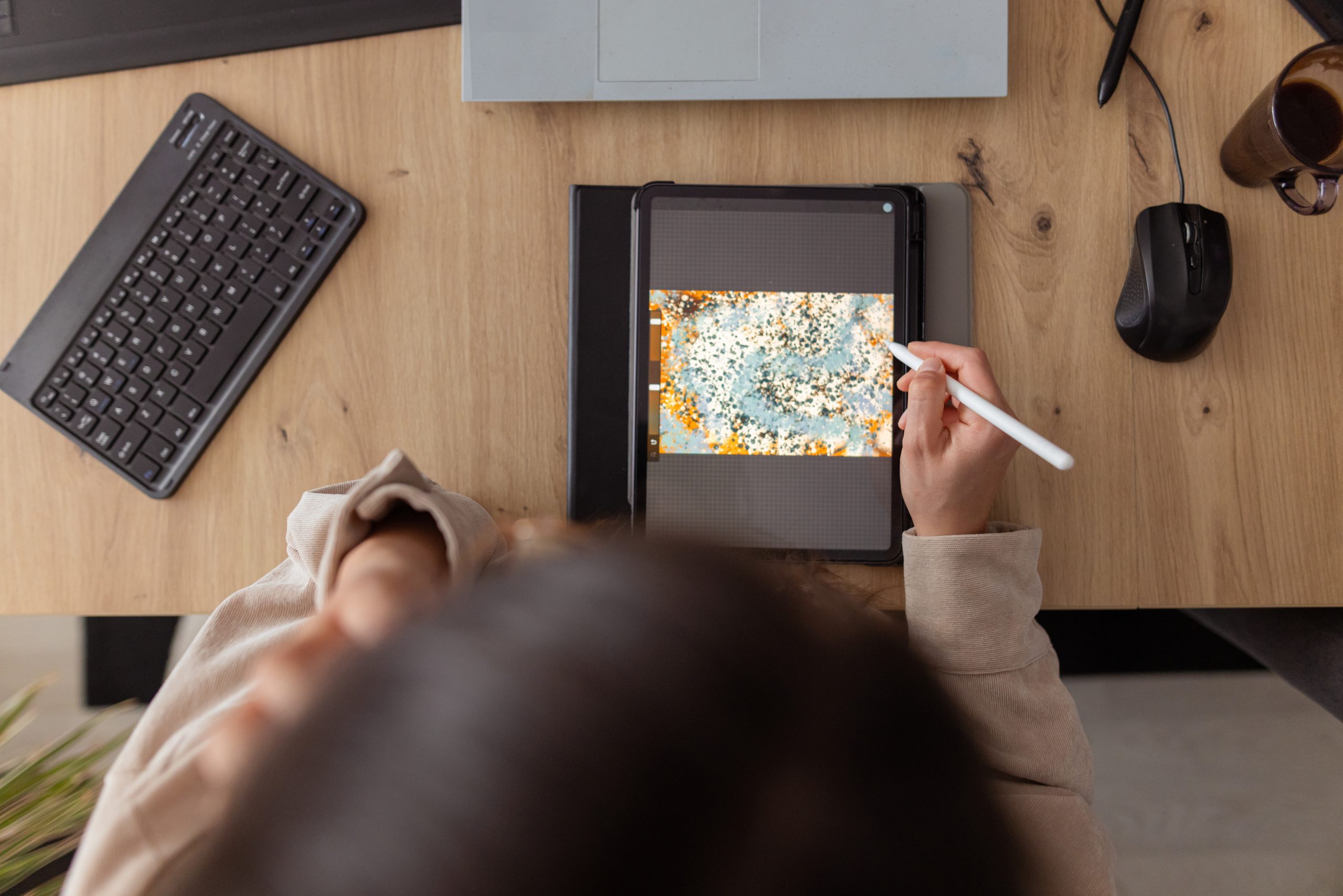
The Apple iPad, once primarily perceived as a device for media consumption and casual browsing, has undergone a significant transformation, evolving into a sophisticated platform capable of supporting intricate creative workflows. This evolution, fueled by advancements in hardware and the burgeoning ecosystem of specialized applications, has empowered a new generation of digital artists, designers, videographers, and illustrators to bring their visions to life directly from a portable touchscreen. While industry giants like Adobe continue to offer powerful creative suites, the App Store is also home to a diverse array of innovative, often lesser-known, applications that provide unique features, compelling user experiences, and competitive pricing structures. These tools not only challenge traditional desktop-centric paradigms but also democratize access to professional-grade creative capabilities.
The iPad’s Journey: From Consumption to Creation Hub
When the iPad first debuted in 2010, it captivated audiences with its intuitive multi-touch interface and portability, quickly becoming a popular device for web browsing, email, and consuming digital content. Early iterations, however, were not primarily designed for intensive creative tasks, lacking the processing power, input precision, and software optimizations required for professional work. The introduction of the Apple Pencil in 2015 alongside the iPad Pro marked a pivotal moment, signaling Apple’s ambition to position the tablet as a serious creative instrument. This commitment was further solidified with subsequent hardware upgrades, including increasingly powerful A-series and later M-series chips, ProMotion displays for smoother drawing, and the development of iPadOS, which introduced desktop-class features like improved multitasking and external display support.
This technological progression has dramatically reshaped the creative landscape, enabling artists and professionals to seamlessly transition from traditional sketchbooks and bulky workstations to a single, highly portable device. The iPad’s form factor, combined with the precision of the Apple Pencil, offers a tactile and immediate creative experience that bridges the gap between digital and analog artistry. This shift has also had a profound cultural impact, fostering the rise of mobile-first content creators and making sophisticated creative tools accessible to a broader audience, including students, hobbyists, and professionals in fields ranging from graphic design to film production.
Navigating the Diverse Creative App Ecosystem
The App Store today hosts an extensive collection of creative applications, catering to virtually every artistic discipline. While established software from companies like Adobe (e.g., Photoshop, Illustrator, Premiere Pro for iPad) often receives significant attention, a vibrant ecosystem of independent developers offers compelling alternatives that often excel in specific niches, provide unique user interfaces, or offer more accessible pricing models. This curated selection focuses on some of these standout applications, highlighting their distinct contributions to the iPad’s creative potential and offering insights into how they empower users to explore, innovate, and produce high-quality work.
Lake: A Sanctuary for Digital Coloring
Not every foray into creativity requires a blank canvas and the pressure of original conception. Lake offers a refreshing and accessible entry point into digital artistry through its interactive coloring book experience. Distinguishing itself with a focus on mindfulness and relaxation, Lake features a vast library of hand-drawn illustrations contributed by independent artists from around the globe. Users can engage with over 700 colors and a selection of brushes, allowing for a personalized approach to each piece. Beyond guided coloring, the app also provides blank canvases for free-form drawing and a unique "coloring journal" feature for integrating thoughts with visual expression.
Lake’s appeal lies in its low barrier to entry, making it ideal for beginners seeking to explore their creative side without the intimidation of formal artistic training. It also serves as a therapeutic tool for de-stressing, offering a meditative escape through artistic engagement. The app provides a limited selection of free illustrations, with full access to its extensive catalog and features available through a $9.99 monthly subscription. This model supports both the app’s development and the independent artists whose work forms its core content, fostering a symbiotic creative community.
Procreate: The Digital Canvas Standard
Among the most acclaimed digital painting and illustration applications on the iPad, Procreate has carved out a significant niche, earning widespread praise from both amateur enthusiasts and professional artists. Its reputation stems from a powerful yet intuitive interface, an extensive suite of customizable brushes, and robust performance on compatible iPad Pro models, supporting high-resolution canvases up to an impressive 16K by 8K. Procreate’s design prioritizes a natural drawing experience, leveraging the Apple Pencil’s pressure sensitivity and tilt functionality to mimic traditional art mediums.
Beyond static illustrations, Procreate extends its capabilities to animation, allowing users to create storyboards, GIFs, and simple animatics, making it a versatile tool for various visual storytelling needs. Features like QuickShape, StreamLine, Drawing Assist, and ColorDrop streamline complex technical aspects, enabling artists to concentrate on creative flow. A particularly beloved feature is the time-lapse "Replay," which records the entire creation process, offering a satisfying visual journey of the artwork’s development and facilitating easy sharing on social media. Available for a one-time payment of $12.99, Procreate represents a significant investment in a professional-grade tool without recurring subscription fees, a model that has resonated strongly with its user base. The company has also notably taken a public stance against incorporating generative AI into its products, reinforcing its commitment to human artistry.
LumaFusion: Mobile Video Editing Unleashed
For aspiring videographers and independent filmmakers looking to transcend the capabilities of basic mobile editors like iMovie, LumaFusion stands out as a professional-grade video editing application for the iPad. It offers a comprehensive set of features typically found in desktop editing software, optimized for touch interaction and mobile performance. Users can create complex multi-layer edits, working with high-resolution 4K ProRes and HDR media directly on their iPad.
LumaFusion provides a rich array of tools, including diverse effects, transitions, multi-track audio editing with features like Graphic EQ, Parametric EQ, and voice isolation, and advanced title creation with custom font and graphic import options. Its flexibility extends to various aspect ratios, accommodating everything from standard 16:9 landscape to vertical 9:16 portrait for social media, square formats, and cinematic widescreen options. This breadth of features makes it an indispensable tool for content creators who need robust editing capabilities on the go, significantly impacting the workflow of YouTubers, documentarians, and mobile journalists. The app is available for a one-time payment of $29.99, with optional in-app purchases for specialized features such as multicam editing or direct project export to Final Cut Pro for Mac, further bridging the gap between mobile and desktop post-production.
Canva: Design for Everyone
Canva has revolutionized graphic design by democratizing access to professional-looking visual content creation, making it accessible even to individuals without formal design training. Its iPad application extends this user-friendly platform, offering an intuitive environment for creating a wide range of visual assets, including presentations, infographics, videos, social media posts, and websites. The platform boasts an extensive library of over 250,000 templates, providing a robust starting point for any project.
Key features include photo editing tools, brand kit customization for consistent visual identity, audio integration, and video editing capabilities like cropping and speed adjustments. Canva has also embraced artificial intelligence, incorporating features such as "Magic Switch" for image extension and "Magic Media" for generating images from text prompts, further simplifying and accelerating the design process. This blend of accessibility, extensive resources, and AI-powered tools has made Canva an essential tool for small businesses, educators, marketers, and social media managers, enabling them to produce high-quality visuals efficiently. While a free version offers substantial functionality, a $12.99 monthly subscription unlocks unlimited access to premium templates, AI features, and a broader array of assets.
Affinity Designer 2: Professional Vector and Raster Hybrid
For professional illustrators, graphic designers, and web developers seeking a powerful alternative to subscription-based industry standards, Affinity Designer 2 offers a compelling solution. This sophisticated graphic design application uniquely combines vector design, pixel-based textures, and image retouching capabilities within a single, unified platform on the iPad. It caters to a diverse range of creative outputs, from intricate illustrations and brand identities to UI/UX designs, typography, and concept art.
Affinity Designer 2 provides precise control, supporting the Apple Pencil’s full range of capabilities, including pressure sensitivity and tilt. Its interface incorporates gesture controls and customizable keyboard shortcuts to optimize workflow efficiency. Notable features include the ability to create custom fonts and an unparalleled zoom capability of over 1,000,000% for absolute precision in design details. The app’s commitment to a one-time purchase model ($18.49) makes it an attractive proposition for professionals and serious hobbyists who prefer ownership over ongoing subscriptions, fostering a loyal user base that values its robust feature set and performance.
Concepts: The Infinite Digital Sketchpad
Concepts is an innovative vector-based sketching application designed for ideation, technical drawing, and visual thinking. It provides an infinite canvas, allowing users to brainstorm, sketch plans, create mind maps, and develop detailed designs without limitations. The app’s core strength lies in its flexibility, enabling users to easily manipulate and refine any element of their sketch using tools like Nudge, Slice, and Select, eliminating the need for constant redrawing.
The app features a collection of realistic pens, pencils, and brushes that respond authentically to Apple Pencil pressure and tilt. For precision-oriented tasks, Concepts integrates scale and measurement tools to calculate real-world dimensions, making it invaluable for architects, industrial designers, and engineers. Users can personalize their workspace with a customizable tool wheel or bar, tailoring the interface to their specific needs. While basic features are free, a $4.99 monthly subscription unlocks advanced capabilities such as custom brushes and premium editing tools, enhancing its utility for more demanding professional workflows. Concepts excels in fostering fluid creative exploration, making it a critical tool for the early stages of any design process.
Tayasui Sketches: Intuitive Artistry
Tayasui Sketches is a user-friendly sketching and drawing application that prioritizes an intuitive and natural artistic experience. It aims to replicate the feel of traditional art mediums through its digital tools, featuring a realistic watercolor brush, expressive digital acrylics, and tools for blending colors, gradients, and depth effects. The app’s design focuses on simplicity, making it accessible for casual doodling and more serious artistic endeavors alike.
A standout feature is its "Zen Mode," which minimizes interface elements to provide an uncluttered, distraction-free creative environment, encouraging focused artistic flow. Tayasui Sketches also supports multitasking, allowing users to drag layers and documents between apps, enhancing workflow efficiency. The ability to import images for reference or integration into new creations, alongside personalized folder organization for artwork, adds to its utility. Basic features are free, with a $2.99 monthly subscription unlocking unlimited layers, an expanded brush editor, additional brushes and markers, and backup functionalities, offering enhanced tools for dedicated artists.
Dudel Draw: Daily Creative Sparks
Dudel Draw introduces a novel approach to fostering creativity by providing users with a new, unique shape each day as a starting point for sketching. These daily prompts, ranging from basic geometric forms to intricate abstract designs, serve as catalysts for imaginative exploration, challenging users to create something new consistently. This gamified approach helps overcome creative blocks and encourages regular artistic practice.
The app enhances creative flexibility with "flip" and "rotate" features, allowing users to view and interact with the daily shape from multiple angles, sparking diverse interpretations. Dudel Draw also promotes social engagement, enabling users to compare their daily creations with friends, fostering a sense of community and friendly competition. As a free application, Dudel Draw provides an accessible and engaging platform for sharpening artistic skills, embracing daily creative challenges, and expressing oneself through spontaneous art.
Sketchbook: The Pure Drawing Experience
Autodesk Sketchbook, now an independent entity, has long been revered for its dedication to providing an uncluttered, intuitive drawing experience that closely mimics traditional media. Its core philosophy centers on making digital drawing feel as natural as putting pen to paper. The app features a comprehensive array of digital brushes and pens that are designed to behave realistically, offering nuanced control over line weight, texture, and opacity.
Sketchbook’s minimalist interface allows users to tuck away palettes and tools, ensuring that the focus remains entirely on the canvas. Customization options for brushes—including size, opacity, and flow—enable artists to fine-tune their tools to match their unique style. A particularly helpful feature, "predictive stroke," assists in smoothing out lines, making it easier for users of all skill levels to achieve clean, polished results. Sketchbook is free to use, offering a powerful drawing suite without an initial cost. For a one-time payment of $2.99, users can unlock premium features, including the ability to import additional brushes and color palettes, resize canvases post-creation, and export multiple canvases or entire albums as PDFs, enhancing its versatility for more advanced projects.
The Enduring Impact of iPad Creativity
The evolution of the iPad into a formidable creative workstation, bolstered by a rich and diverse app ecosystem, marks a significant shift in how and where creative work is performed. These applications, from the professional-grade power of Procreate and LumaFusion to the accessible design tools of Canva and the meditative coloring experience of Lake, illustrate the breadth of creative possibilities now available on a single tablet. They have not only democratized access to sophisticated tools but have also fueled the growth of the creator economy, enabling individuals to produce high-quality content and art from virtually anywhere. As hardware continues to advance and software developers innovate, the iPad’s role as a central hub for digital artistry is set to grow even further, inviting creators to explore new frontiers in mobile-first creativity.